
PiggyBet app searches lead to a mobile casino that works through the browser rather than a verified native Android or iOS download. Australian players can open PiggyBet on iPhone, iPad or Android, sign in, play pokies and live games, view promotions and use the cashier without installing an APK or App Store package.
A home-screen shortcut can provide app-like access while keeping the web version current automatically. AUD is not listed as an account currency, so mobile deposits may still involve conversion into EUR or another supported currency.
The table below summarises the mobile setup.
| Mobile feature | PiggyBet details |
|---|---|
| Native iOS app | No verified App Store download promoted |
| Native Android app | No verified Google Play or APK download promoted |
| Browser access | Available on modern mobile browsers |
| Home-screen shortcut | Available through iOS and Android browser menus |
| Pokies | Available |
| Live casino | Available, connection quality affects streams |
| Promotions | Welcome package, cashback, weekly surprise and promo codes |
| Cashier | Available after login, subject to method and region |
| AUD | Not listed as an account currency |
How to access PiggyBet on mobile
The browser version is the safest option because it avoids unofficial installation files and keeps the interface updated without manual downloads.
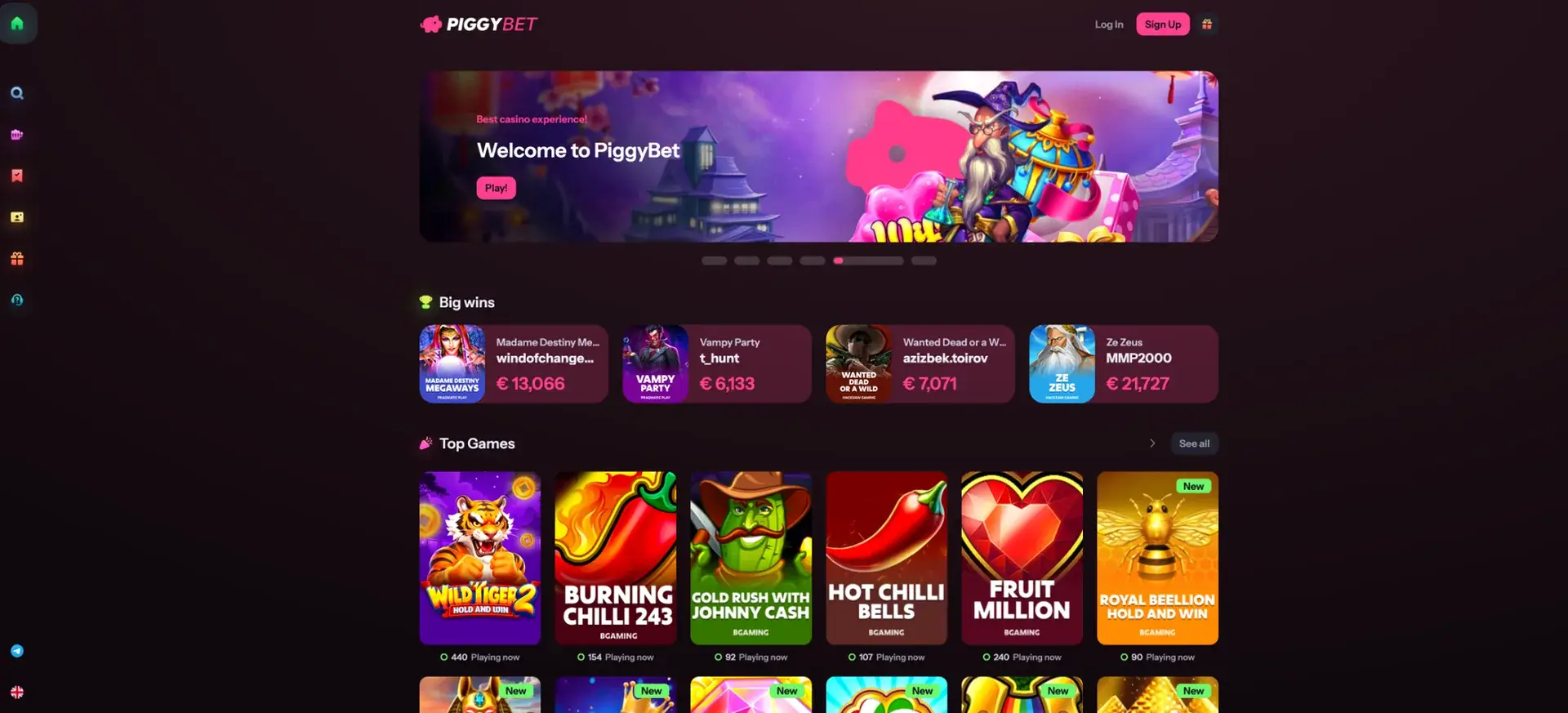
- Open Safari, Chrome or Firefox on the phone.
- Enter the official PiggyBet address directly.
- Select Log In or Sign Up.
- Use the side navigation to open pokies, live casino or promotions.
- Open the cashier only after confirming the currency and payment method.
Add PiggyBet to an iPhone home screen
Safari can save a shortcut that opens PiggyBet in a dedicated browser window from the home screen.
- Open PiggyBet in Safari.
- Tap the Share icon.
- Scroll to Add to Home Screen.
- Choose a name for the shortcut.
- Tap Add.
Add PiggyBet to an Android home screen
Chrome and other Android browsers provide a similar shortcut function.
- Open PiggyBet in Chrome.
- Tap the three-dot menu.
- Select Add to Home screen or Install app when shown.
- Confirm the shortcut name.
- Open PiggyBet from the new icon.
PiggyBet app features
The mobile browser provides the same main categories as desktop, with icons for the lobby, slots, live games, promotions and support.
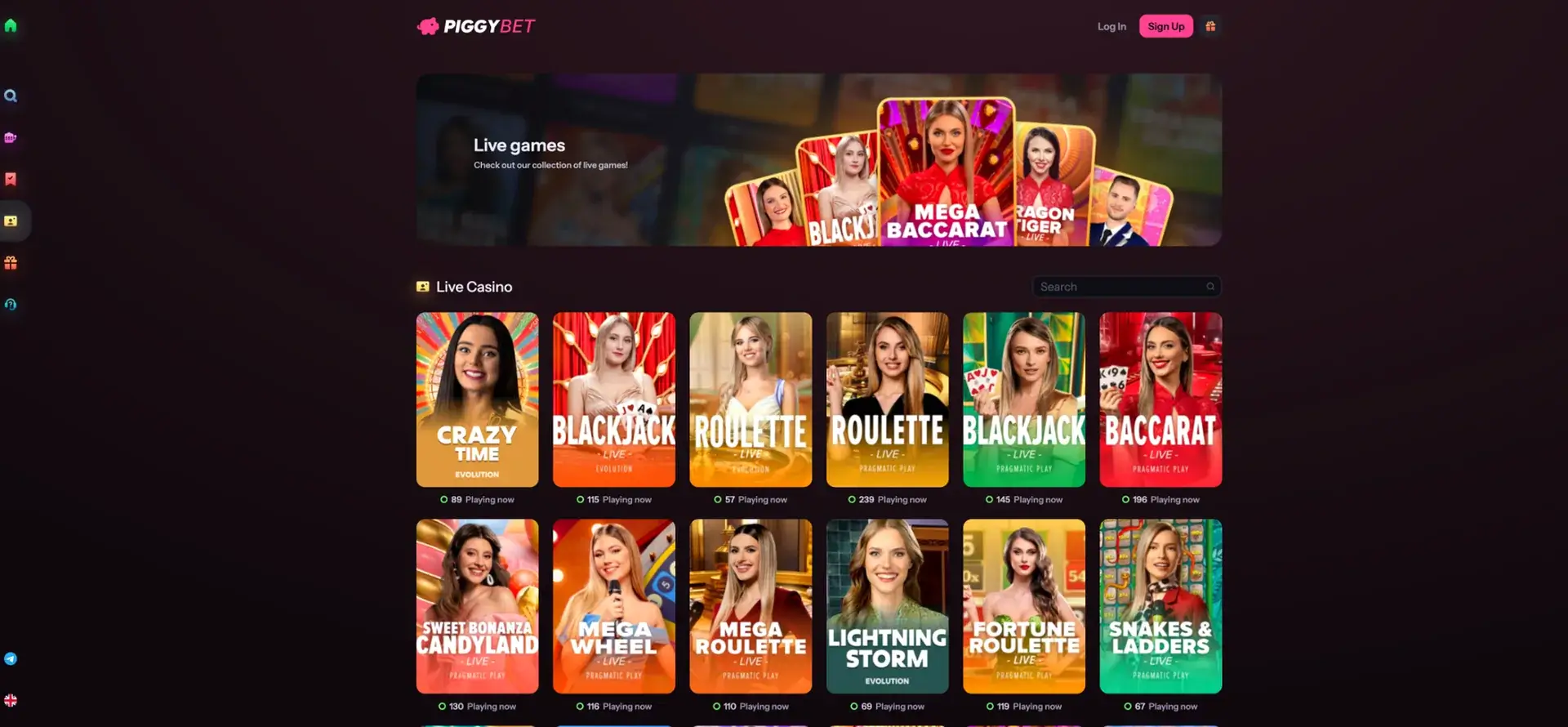
- Pokies search and game tiles.
- Live blackjack, roulette, baccarat and game shows.
- Welcome-package progress.
- Weekly surprise, cashback and other promotions.
- Promo-code access.
- Deposits, withdrawal requests and account verification.
Mobile performance and data use
Standard pokies generally require less bandwidth than live dealer streams. Performance depends on the phone, browser, available memory and network quality rather than a separate app package.
For a smoother session:
- Use a current browser version.
- Keep enough free storage and memory on the device.
- Use stable Wi-Fi or strong 4G/5G for live games.
- Close other video or streaming apps.
- Keep the screen awake during account verification or payment steps.
Mobile payments in AUD
Apple Pay, Google Pay, cards, bank services, e-wallets and crypto appear in the cashier, but availability varies by country and transaction type. PiggyBet does not list AUD among accepted account currencies and states that EUR is its internal operating currency.
Australian mobile users should check:
- The currency shown before confirming a deposit.
- Any foreign-exchange fee from the bank or wallet.
- The minimum deposit for the selected method.
- Whether the same method can be used for withdrawal.
- Whether KYC is complete before requesting a payout.
Mobile security
Do not install an APK from a third-party website or enter PiggyBet credentials into an unrelated app. Browser access through the official domain reduces the risk of using a copied login screen.
Basic security steps include:
- Use a unique account password.
- Enable a screen lock on the phone.
- Do not save payment details on a shared device.
- Log out after each public or shared-device session.
- Review account activity after an unexpected login alert.
PiggyBet app FAQ
These answers cover the main mobile questions.
Is there a PiggyBet app for Android?
No verified native Android app is promoted. Use the browser version and avoid unofficial APK files.
Is PiggyBet available on iPhone?
Yes, through Safari or another modern browser.
Can I add PiggyBet to my home screen?
Yes. Use Add to Home Screen in Safari or the equivalent Chrome menu option.
Can I play live casino games on mobile?
Yes. A stable connection is recommended for dealer streams.
Can I deposit in AUD through the PiggyBet app?
AUD is not listed as an account currency. The payment may be converted and fees may apply.
Do mobile users receive the same welcome bonus?
The same promotion area is available on mobile, subject to eligibility and the current bonus terms.