
PiggyBet login gives registered users access to the pokies lobby, live casino, promotions, cashier and account settings from desktop or mobile. Sign-in uses the email address and password created during registration. Australian users should remember that AUD is not listed as an account currency, so the cashier may display EUR or another supported currency after login.
The login button sits in the top navigation beside Sign Up. No separate username is shown in the registration flow, which means the registered email address is the key account identifier.
The table below summarises the main access details.
| Login item | Details |
|---|---|
| Login identifier | Registered email address |
| Password | Case-sensitive account password |
| Desktop access | Use the Log In button in the top navigation |
| Mobile access | Available through a modern browser |
| Native app required | No |
| Cashier after login | Deposits and withdrawals, subject to regional availability |
| Verification | May be requested before a withdrawal or at another stage |
| AUD account support | Not listed |
How to log in to PiggyBet
Use the official PiggyBet site and avoid login links received from unknown senders. The normal sign-in process takes only a few steps.
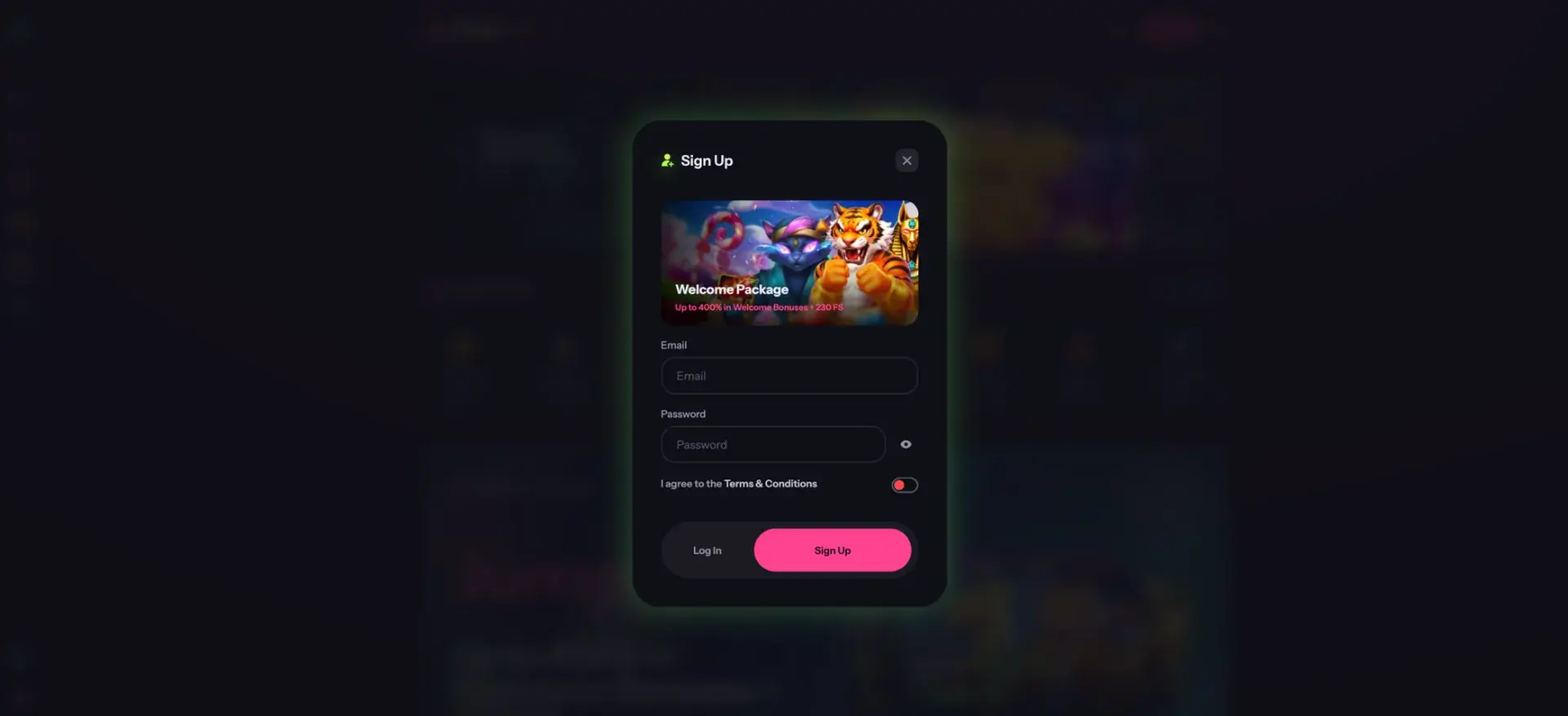
- Open PiggyBet in your browser.
- Select Log In at the top of the page.
- Enter the email address used for registration.
- Type your password carefully.
- Submit the form and wait for the account area to load.
- Complete any verification or security prompt that appears.
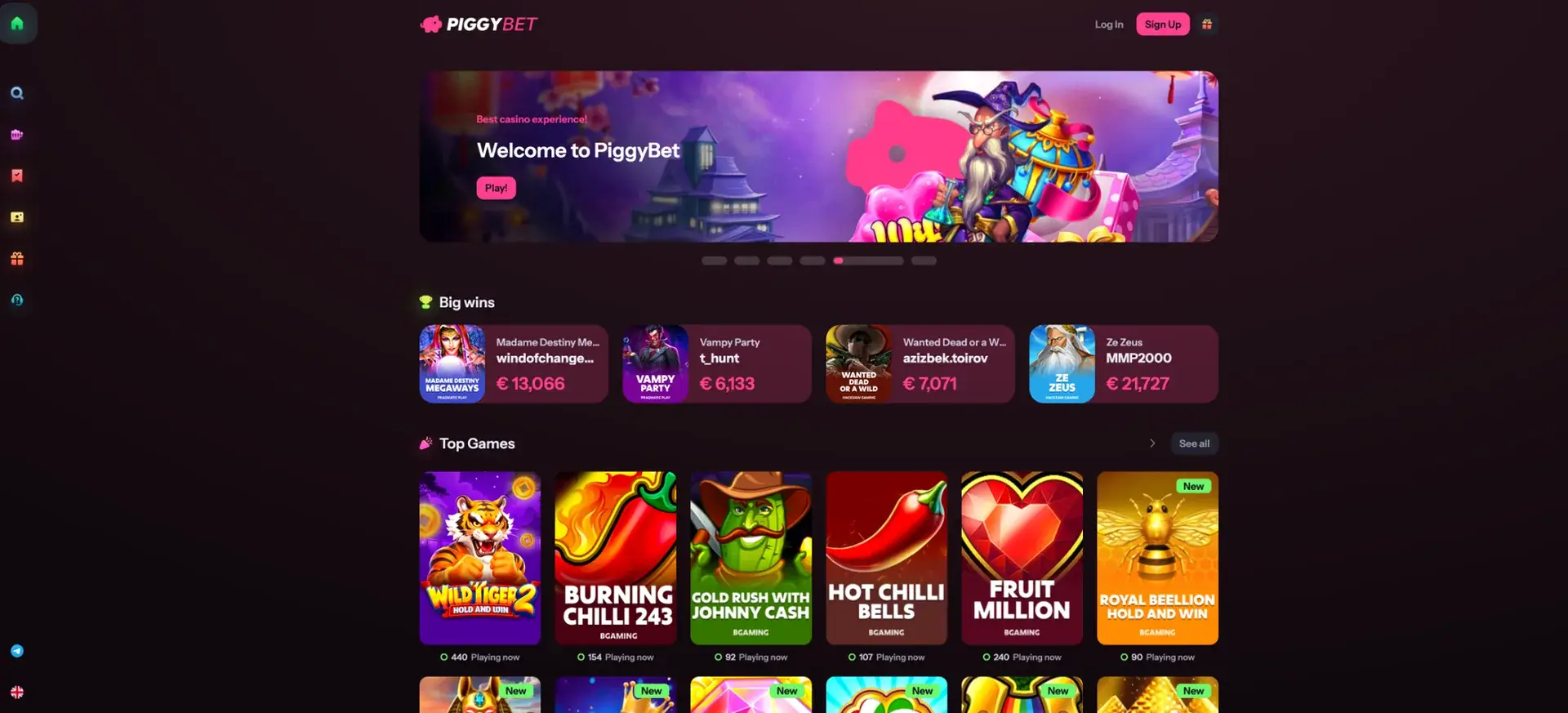
Once signed in, the side navigation provides access to the home lobby, pokies, live casino, promotions, support and the cashier.
PiggyBet login on mobile
PiggyBet works in a mobile browser and does not require a separate download. The same email-and-password login can be used on iPhone, iPad and Android devices.
For safer mobile access:
- Use the current version of Safari, Chrome or Firefox.
- Do not save the password on a shared phone.
- Use mobile data or a trusted Wi-Fi network rather than public Wi-Fi.
- Log out after finishing a session.
- Check that the domain is correct before entering account details.
Forgotten PiggyBet password
If the password is no longer available, use the account-recovery option rather than creating another profile. A second account may create payment or verification problems.
The usual recovery process is:
- Open the PiggyBet login window.
- Select the password-recovery option.
- Enter the registered email address.
- Open the recovery email and follow the secure link.
- Create a new password that is not used elsewhere.
- Return to PiggyBet and sign in with the new password.
Common PiggyBet login problems
Most access issues come from incorrect credentials, browser data, email-delivery delays or temporary account checks.
Incorrect email or password
Check spelling, capital letters and any spaces added by the device. Confirm that the email is the same one used during sign-up.
Login page does not respond
Refresh the page, clear site data and try another modern browser. Script-blocking extensions can also prevent the form from loading correctly.
Recovery email does not arrive
Check spam and promotional folders, wait a few minutes and then request one new recovery email. Repeated requests can make it difficult to identify the latest valid link.
Account is under verification
PiggyBet may request identity, address or payment evidence. Follow the account instructions and submit clear, current documents that match the registered details.
What is available after PiggyBet login
Signing in unlocks the account-only parts of the platform and allows a user to manage payments, promotions and personal details.
- Pokies and live casino play.
- Welcome-bonus progress and other promotions.
- Promo-code activation where eligible.
- Deposits and withdrawal requests.
- Transaction and account information.
- KYC document requests and status updates.
Account security and KYC
The terms allow verification at the first withdrawal or at another stage. Documents may include a passport or identity card, proof of address and copies or images connected with the payment method. PiggyBet may also use a phone call as part of the process.
Protect the account by using:
- A unique password with a mix of letters, numbers and symbols.
- A private email account protected by its own strong password.
- Regular checks of transaction history.
- Immediate password changes after any suspicious activity.
PiggyBet login FAQ
These answers cover the main access questions for Australian users.
What do I need to log in to PiggyBet?
Use the registered email address and account password.
Can I log in from Australia using AUD?
You can access the account where the service is available, but AUD is not listed as an accepted account currency. Currency conversion may apply.
Can I use PiggyBet login on an iPhone?
Yes. Open the site in Safari or another modern browser and use the standard login form.
Does PiggyBet require a mobile app for login?
No. Browser access is sufficient.
Why is my PiggyBet account locked?
Possible reasons include repeated incorrect passwords, a security check, incomplete verification or an account restriction. Use account recovery or contact support.
Can I open a second account if I cannot log in?
Use the recovery process instead. Multiple accounts can create verification and payment issues.